NordVPN 7.56 Download for Windows
You are about to download NordVPN, Version ( 7.56 ) for Windows.
Click the button below to start downloading it:
Not working? Report this App.
If you buy this from this URL, we may get some commissions which inspire us to do more hard work.
All you need to know about this download
- Version: 7.56
- Last updated: 12 May, 2026
- Supported OS: Windows 10 (64-bit) or Windows 11.
- File Name: NordInstaller.exe
- File Size: 8.8 MB
- File Hash Code: 646a4fb23a3170eab17b3c0a15d55f4116a2578afbda93e8e28c8509e5d9f69f
- NordVPN 7.56 is scanned using 71 antivirus apps (Check VirusTotal Scan Report)
- After clicking on start download, this application will start downloading from Official Server
- The file is in its Orginal Form. Fileion does not bundle or repack or modify downloads in any way.
How to Install NordVPN 7.56 on Windows: Step-by-Step Guide
Firstly, download the NordVPN installer for Windows from Fileion.
Locate the downloaded .exe file on your computer.
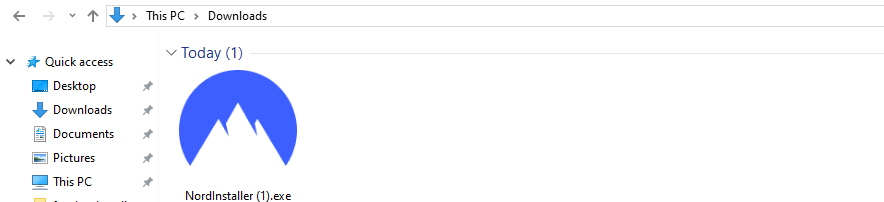
Double-click the file and follow the on-screen instructions to install it.3. Double-click the file and follow the on-screen instructions to install it.
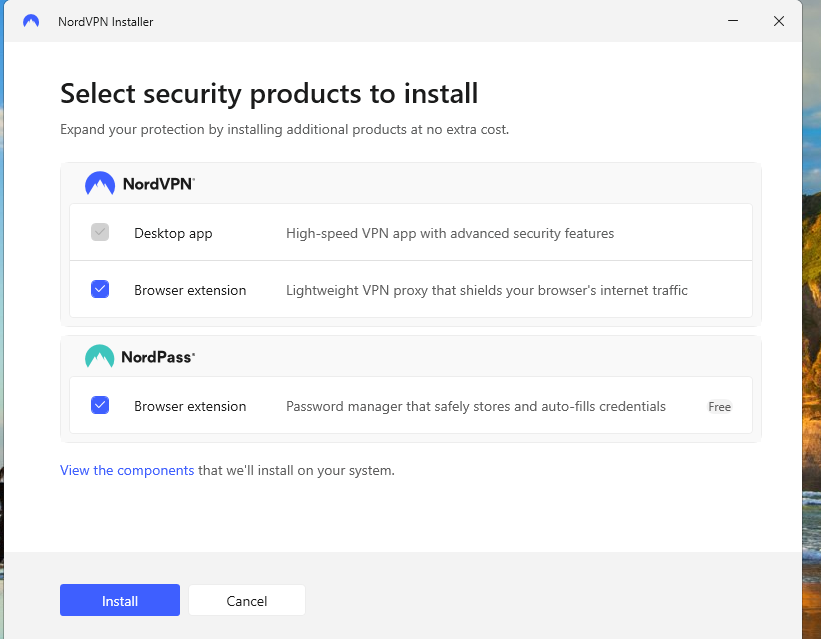
Once installed, open NordVPN and log in to your account.
Click Quick Connect to secure your connection instantly.
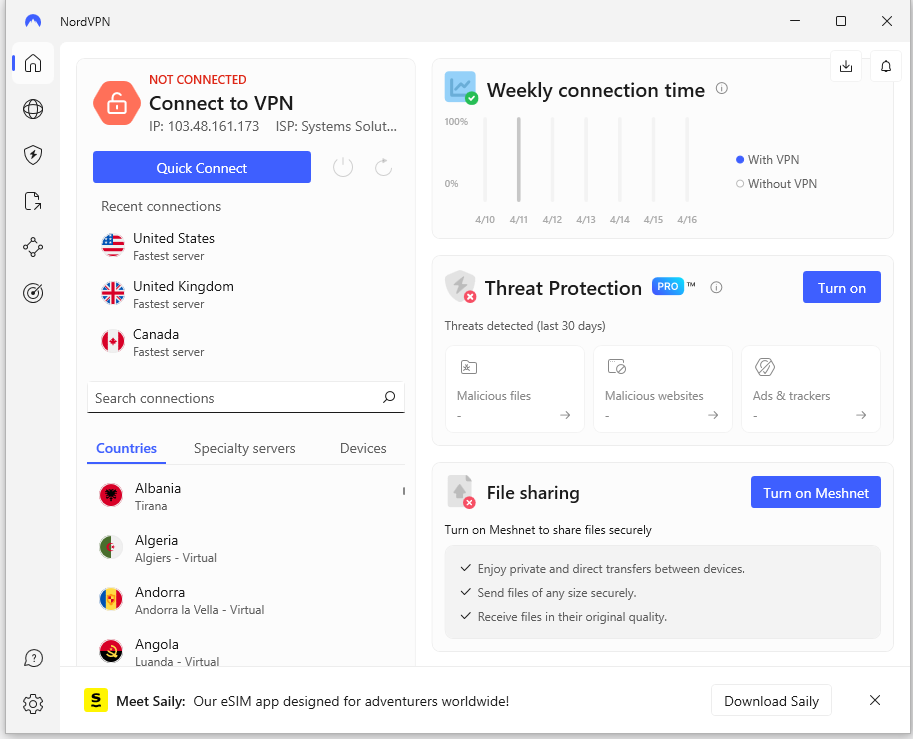
If you already have a paid account, log in with your credentials.
If you're new, click “Sign Up” and start a 7-day free trial (available on mobile first, then transferable to desktop).
8. Start the trial on your Android/iOS device and use the same account to log in to Windows. NordVPN is not completely free on Windows PC. To use the full desktop app, you need a paid subscription. Here's what you can do: - If you already have a paid NordVPN account, simply log in with your credentials. - If you’re new and want to test it out without paying, you can use the free browser extension for Chrome, Firefox, or Edge — but note that it has limited features and server locations. - Or, if you want full protection on your PC, just choose your plan on the website and follow the purchase process. After that, log in to the desktop app and start using NordVPN right away.
NordVPN for Windows Change Log
Checkout what's new in NordVPN for Windows Version (7.56)
NordVPN 7.56 was released on February 3, 2026. This update focuses on behind-the-scenes improvements to enhance app performance and ensure a smoother, more reliable VPN experience without introducing major visible changes.
Improvements & Fixes
- Implemented internal optimizations to improve overall app performance.
- Enhanced stability for a more consistent and reliable connection.
- Refined background processes to keep the app running smoothly.
- Fixed minor issues to strengthen reliability and user experience.
Also Available for
Also, check the alternatives of NordVPN


Explore more apps published on Fileion.Com

VidMage
Swap faces, not your privacy

TLauncher
Minecraft Starts Here

Kutools for Excel
Work Smarter in Excel

Safari Browser
Browse Better, Stay Private

FxSound
Better Windows Audio Experience

Adobe Premiere Pro
Professional Editing, Simplified


